


All about furniture configuration & document archive: Our new update
The highlight of our monthly update: The first version of our furniture configurator is live! We also updated our document sharing feature, and of course, we were busy attending several events – you can read the recaps in separate posts.
New in the Editor
Our new furniture configurator
New possibilities
for some furniture pieces
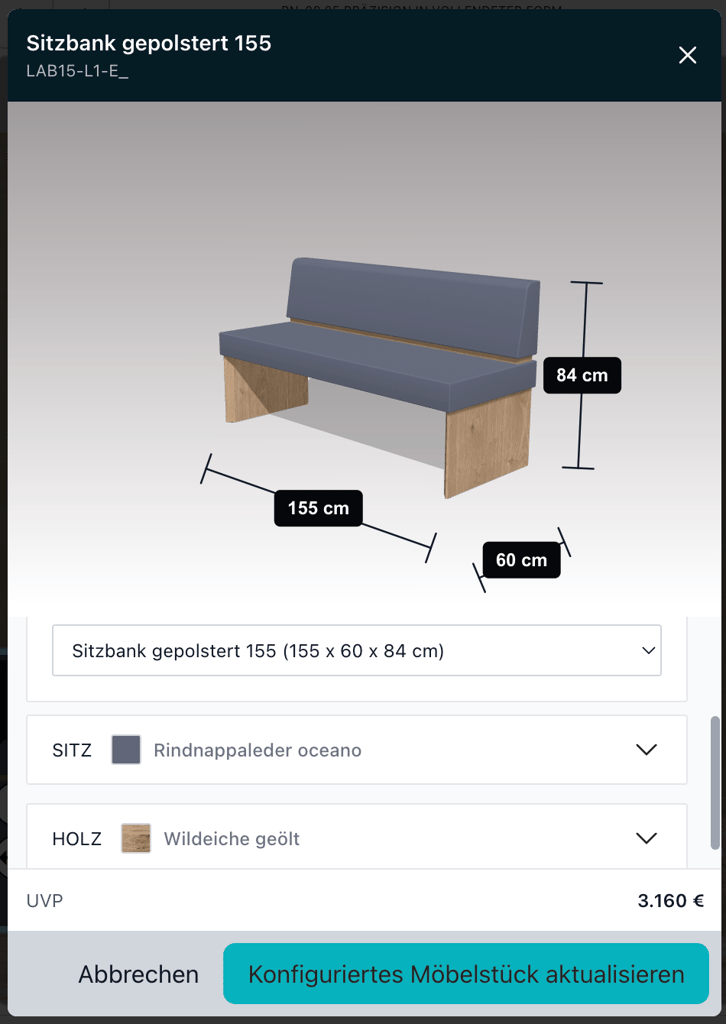
For the first time, thanks to our new furniture configurator, it’s possible to customize certain pieces of furniture in our furniture library. You can adjust the color of the upholstery or wood, and even add extras like indirect lighting.
These configurations are currently only available for certain pieces, but will be expanded to include more furniture in our library over time. We are also open to developing similar furniture configurators for furniture manufacturers.
New furniture
available for configuration
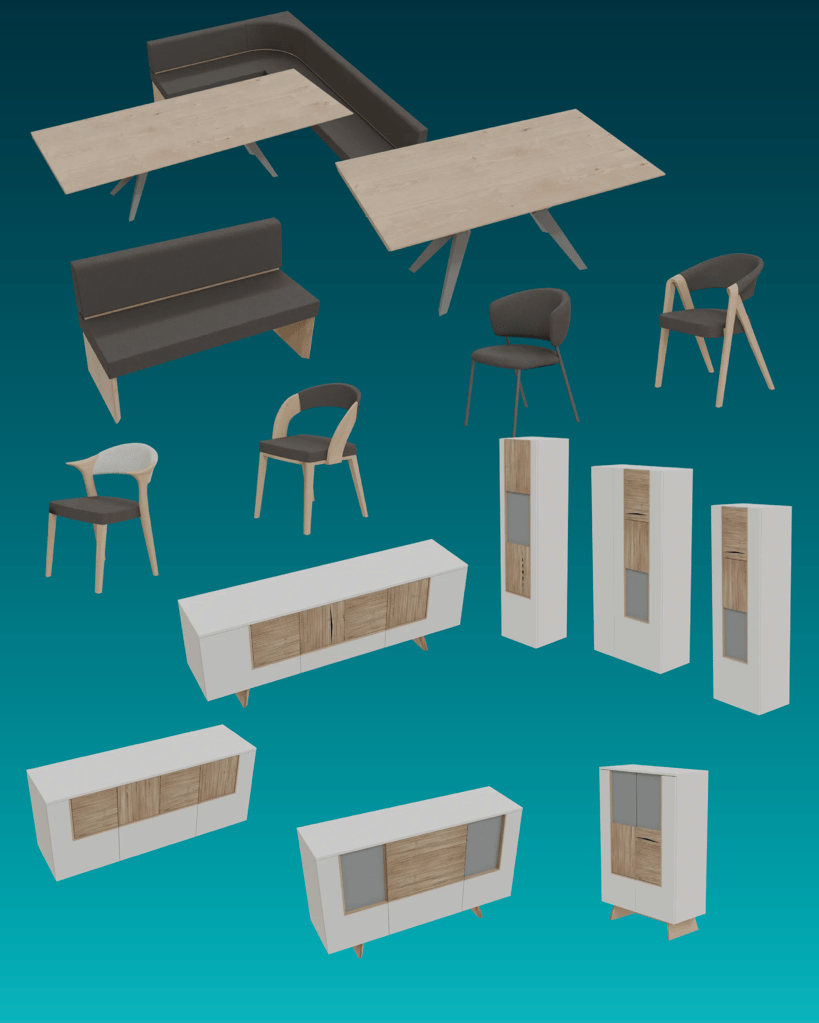
Since the furniture configurator project was developed in cooperation with a renowned furniture manufacturer, parts of their product range are currently available as new configurable furniture in the furniture library.
The furniture is freely accessible and can therefore also be used for marketing real estate. All configurable furniture is identifiable by the “configure” button.
New in Connect
Update for document sharing
Document sharing
Design update
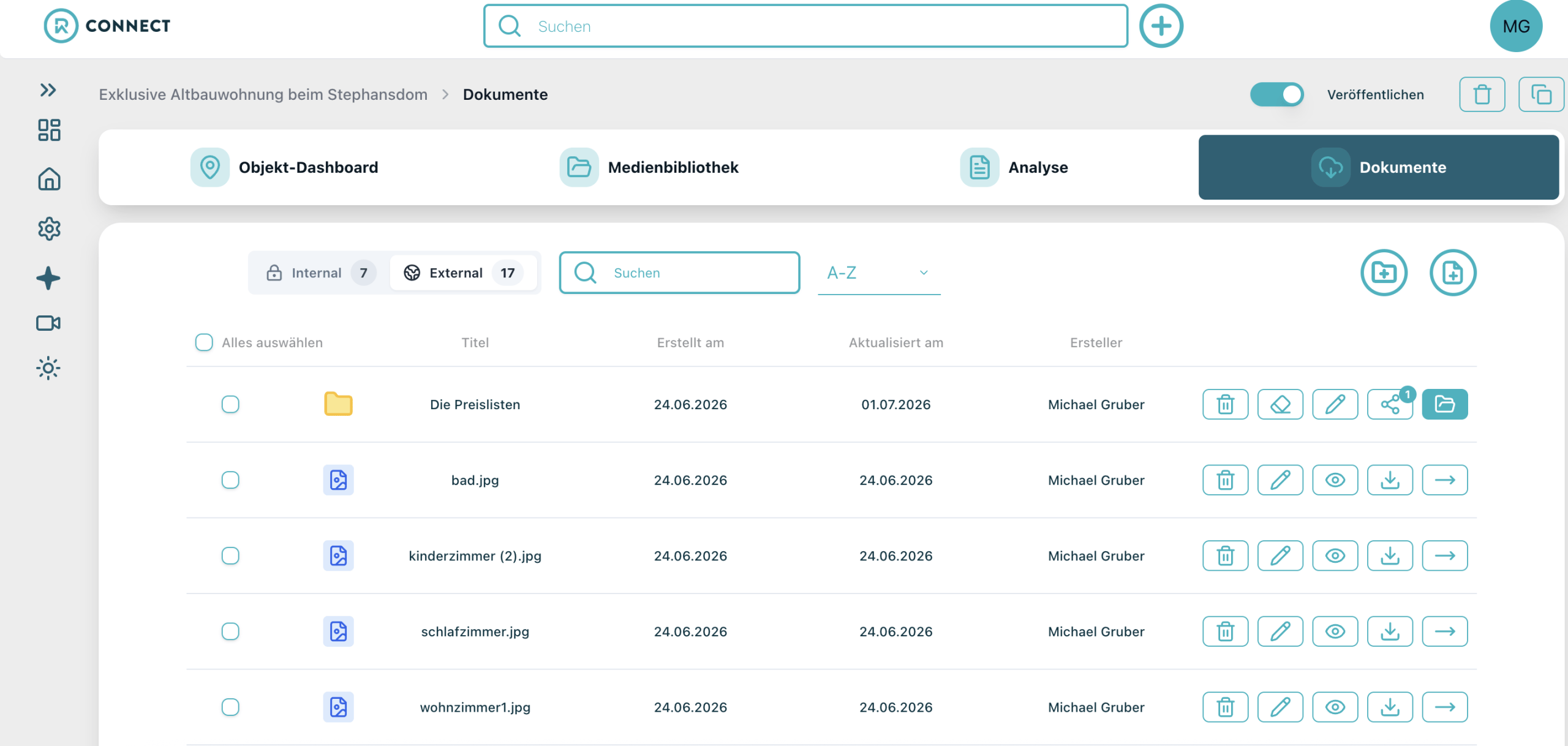
Our document sharing system has received a design update. In the future, it will be even easier to navigate folders for both internal and external documents. Most importantly, you can now create your own folder structure. External documents will also be included in the exposé link at a later date.

New in the App
Paper2Pixel directly on the smartphone
Paper2Pixel
on the app
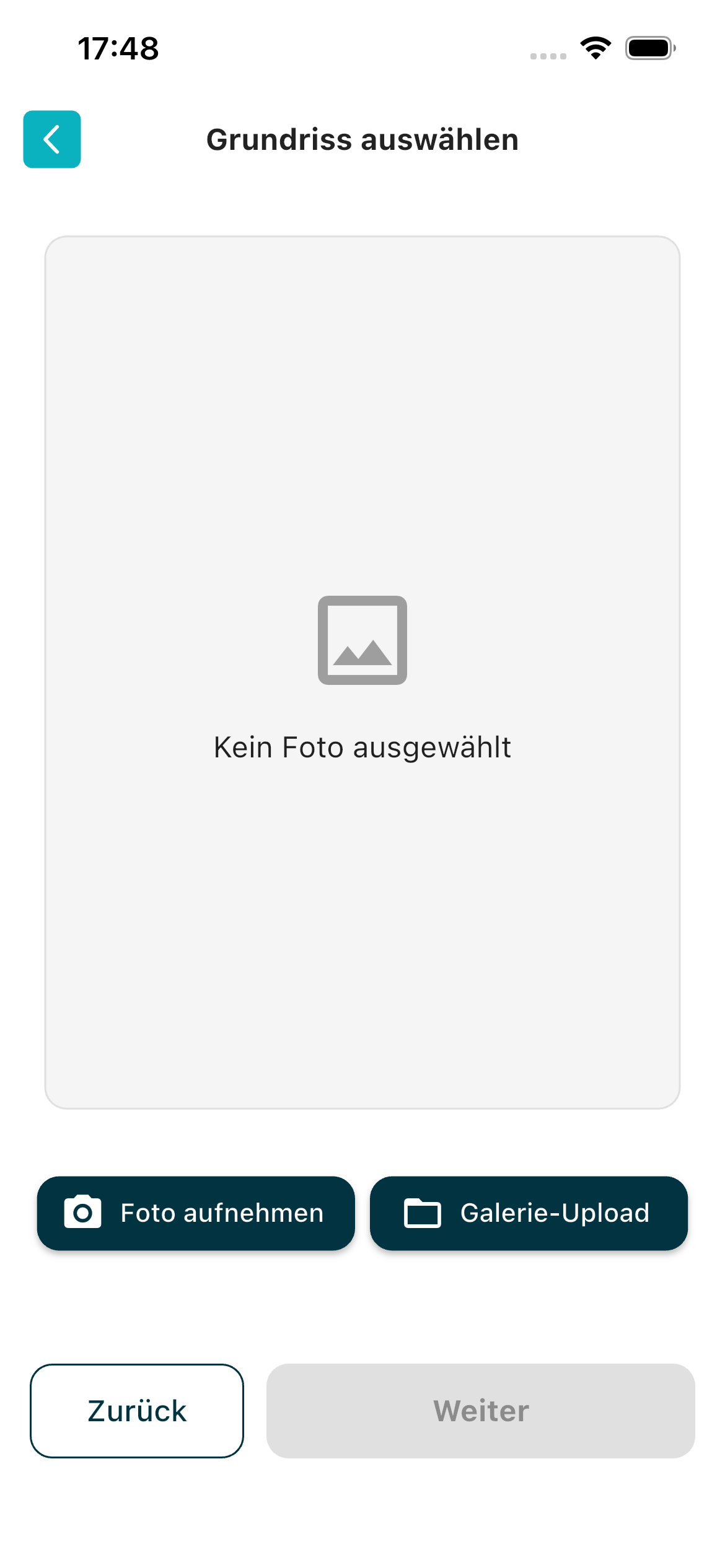
Our AI-powered Paper2Pixel feature is now also available in the app. This allows you to take a picture of the floor plan directly on your smartphone and convert it into a digital twin.
Furniture configurator
also available on the app
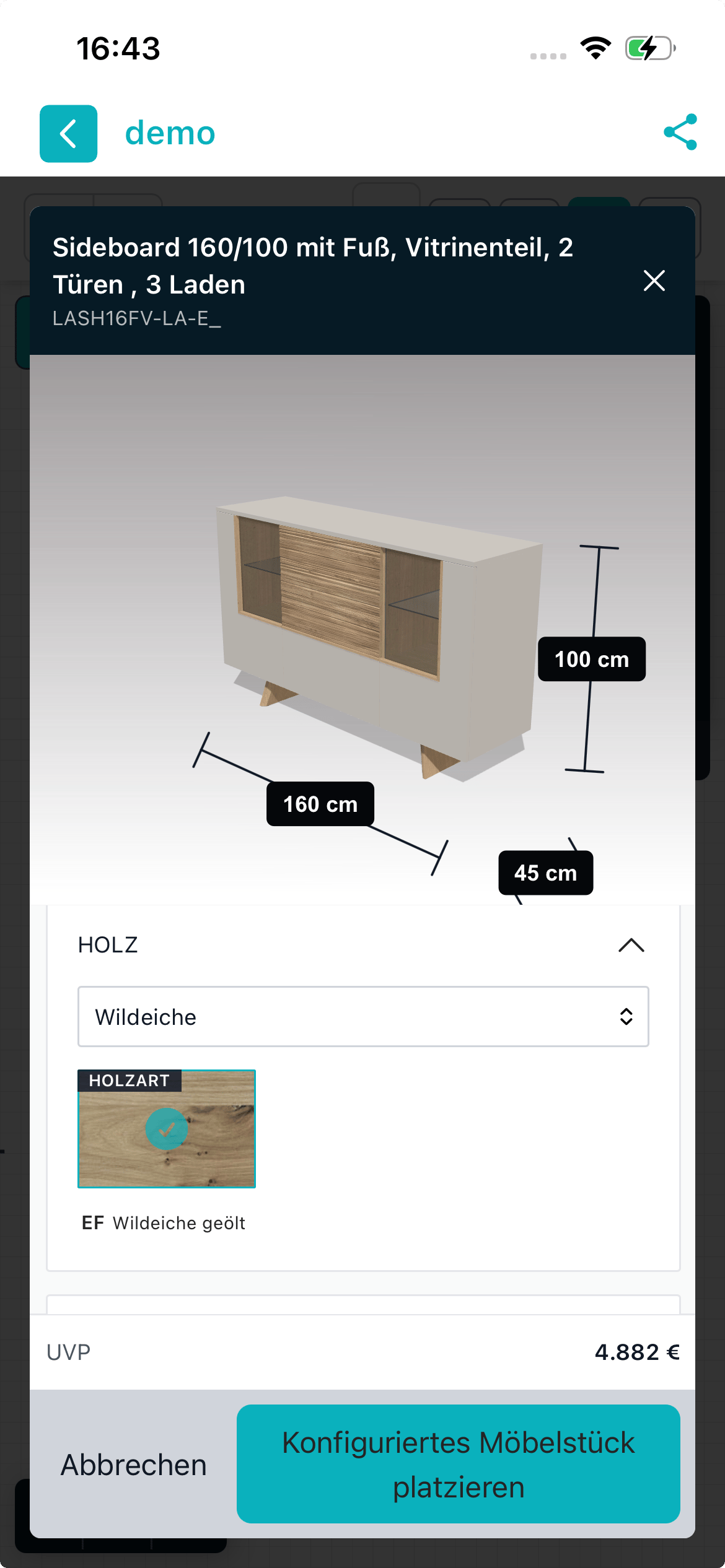
Naturally, the furniture configuration of our selected furniture also works directly in the mobile view on our app.
Did you enjoy this article?
Then you can find more release updates here

Our Updates in September
September was all about polish: 14 bug fixes in the Editor, a project-based apartment finder and clearer link management for 3D floor plans in Connect. Here is a quick summary of everything new.

Our Updates in August
Our new August update is absolutely perfect. Besides curved walls and snappy drawing aids in the editor, there are also more flexible AI labels for our AI-powered virtual stagings. All the exciting new features are summarized for you here.

Our Updates in July
While others are enjoying the summer heat on the beach, our development team is once again working wonders and delivering real added value with new features. Let’s take a look at the many new features you can use right now.

Our Updates in June
The highlight of our monthly update: The first version of our furniture configurator is live! We also updated our document sharing feature, and of course, we were busy attending several events – you can read the recaps in separate posts.

Our Updates in May
May flew by so quickly! No worries, we still have some exciting software news for this month. Besides the big highlight, the Magic Edit mode for Connect, there are also some updates from our editor. Unfortunately, we’ll have to wait until next month for new app features.